
Large Language Models (LLMs) like DeepSeek, Mistral, and LLaMA have gone from research labs to real-world applications — powering chatbots, search engines, personal assistants, and enterprise AI tools.
But getting these models into production isn’t a plug-and-play operation. It involves critical architectural decisions — especially around LLM deployment strategies.
In this article, we’ll explore the most common LLM deployment methods, compare them side by side, and help you decide which to use and when — with visuals, real-world use cases, and performance data.
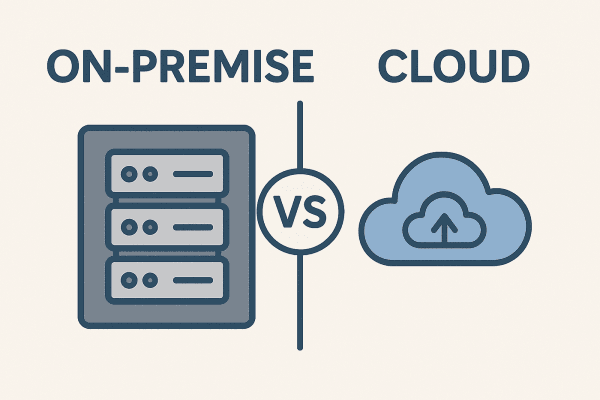
Created by AI
Before choosing a deployment method, answer this:
Pros:
Cons:
Best for: MVPs, rapid prototyping, startups with limited infrastructure, or situations where you need best-in-class models without worrying about hosting.
You run the model on your own GPU server or local machine.
Pros:
Cons:
Built by Hugging Face
Runs models via REST API (Docker-based)
Supports quantized models and GPU acceleration
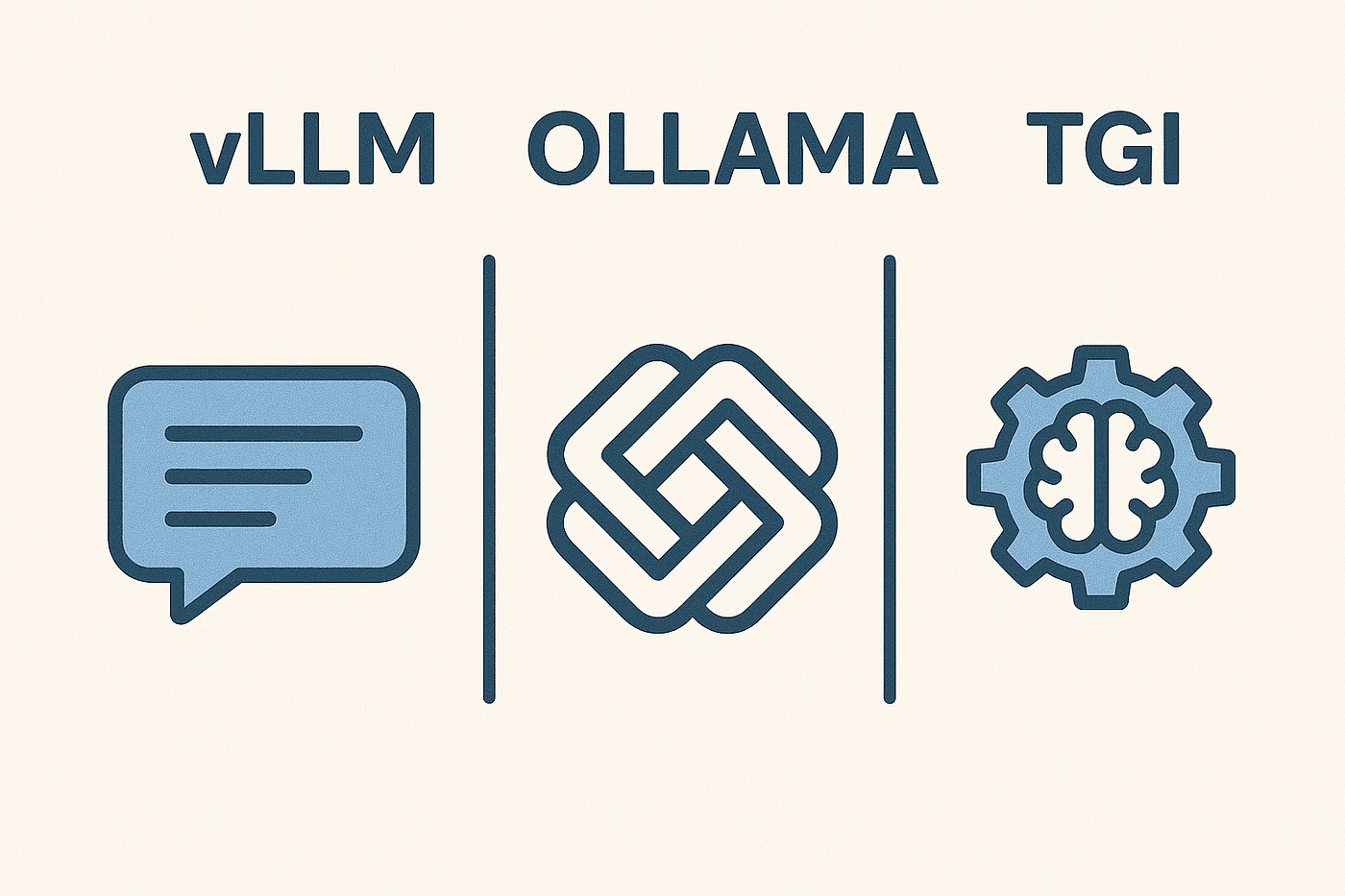
Created by AI
Here are quick, real-world commands to help you get started with each deployment method:
Runs a quantized Mistral model on your local machine in seconds — no extra setup required.
Launches a high-performance OpenAI-style API endpoint using vLLM with an OPT 1.3B model. Compatible with /chat/completions.
Creates a full REST API endpoint with Hugging Face’s TGI, ready to serve the Mistral-7B-Instruct model.
Here’s an example of average token generation speed for different platforms:
🟢 vLLM shines in terms of throughput 🟠 Ollama is fast enough for local use 🔵 OpenAI API provides convenience but is slower due to network/API latency
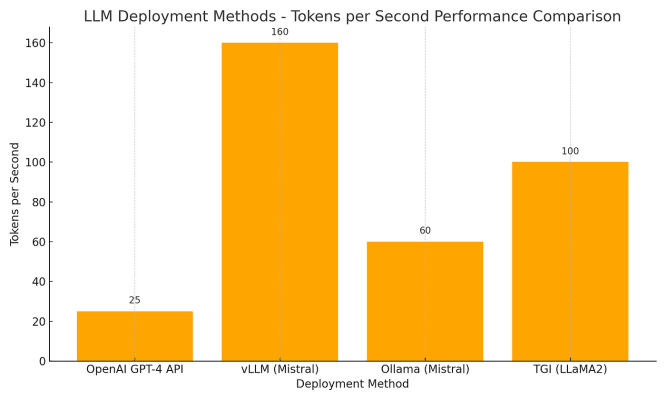
Created by AI
Local memory (RAM) required to run these models efficiently:
Critical for production systems with heavy traffic:
vLLM offers industry-grade scalability, while Ollama is ideal for personal apps or low-traffic internal tools.
There’s no one-size-fits-all when it comes to deploying LLMs.
👉 If you’re building a simple app, an API might suffice. 👉 If you’re scaling traffic, vLLM could save you thousands. 👉 If you want full privacy or offline usage, Ollama is a fantastic choice.
Know your use case. Control your costs. Optimize for performance.
Which deployment method have you used? What worked, what didn’t?
Drop your thoughts or questions in the comments — We’d love to hear your experience!
Click here for the Medium page.